
AI now does SCOTUS journalism
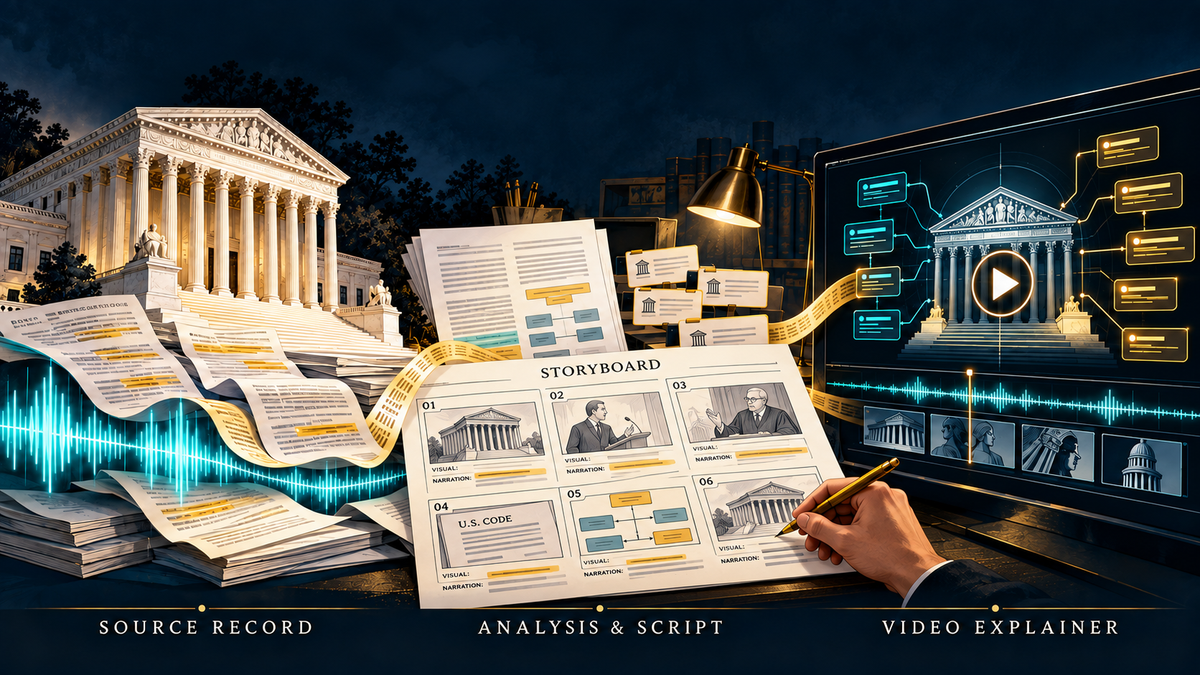
AI is now capable of putting together reports on Supreme Court argument that rival those of professional journalists. Check it out this seven minute colab on Suncor Energy v. Boulder County among Claude, Cartesia.ai and me and see if you don't agree.
The video starts with a new skill, scotus-argument-analyzer, now available on lawve.ai. The user inputs the written PDF transcript from supremecourt.gov. You can definitely provide more direction and context, but really that's all you need. The skill pinpoints significant exchanges, and separates what speakers said from the analyst’s inferences. It assesses each justice’s apparent concerns and possible leanings, including an honest “unclear,” and distinguishes judgments from rationales while weighing narrow procedural routes alongside merits outcomes. Optional research checks authorities; an optional script counts speaking turns and approximate words by section. The result, delivered a few minutes later, is a nine-section analysis—summary, case background, advocates’ positions, authorities, the bench’s focus, individual justices, possible disposition, advocacy, and limits—normally about 1,500 words plus tables. Here's the one for the Suncor v. Boulder climate change preemption case.
Claude then helps turn the output from the skill into a screenplay an then into a video. Here's the kind of prompt that does the trick. You may need to dress it up a bit, but this gives you the basics. 3Blue1Brown, the nom-de-plume for Grant Sanderson, should get credit for pioneering this style of video.
Attached are the report from scotus-argument-analyzer and the argument
transcript for [CASE NAME], No. [DOCKET].
Make a video of about [7] minutes, in the style of a 3Blue1Brown
explainer, that explains the case to legal professionals.
Quote the legal provisions involved directly.
For quotations from the argument, use the actual recorded voices of the
justices and advocates, cut from the audio on the Supreme Court's
website. Each clip must be one continuous, unedited stretch; shorten or
paraphrase in narration where needed. Do not clone anyone's voice.
Narrate everything else with the Cartesia voice [VOICE NAME]. My API
key is [KEY].
Show me the screenplay, with the visuals described, before you build.
Here are a few other points:
Quotations from the argument: - Take every quotation from the transcript and check it word for word. - Each quotation must be one continuous stretch of speech. Never join two stretches. If the useful part ends in mid-sentence, end the clip there and have the narrator supply the rest as a paraphrase. - Prefer passages that start and end at a pause and that are not interrupted. Show the speaker and the transcript page and line.
Legal provisions - quote the governing statutory or constitutional text verbatim, fetched from an official or Cornell LII source, not from memory. Have the narrator read at least the central provision aloud. Show the others as on-screen cards.
Narration style - plain professorial sentences. No direct address to the viewer, no rhetorical questions as transitions, no aphorisms, no closing invitation. End on a substantive sentence. Spell out years and numbers in the narration; captions use numerals.
You may need an iteration or two but something like that prompt should get you to the point where then saying "Create the video" gets the job done. The end result is not perfect but, particularly in combination with the output from scotus-argument-analyzer, it educates law students and legal professionals as well as if not better than most human-produced equivalents.