
A new website on Supreme Court arguments
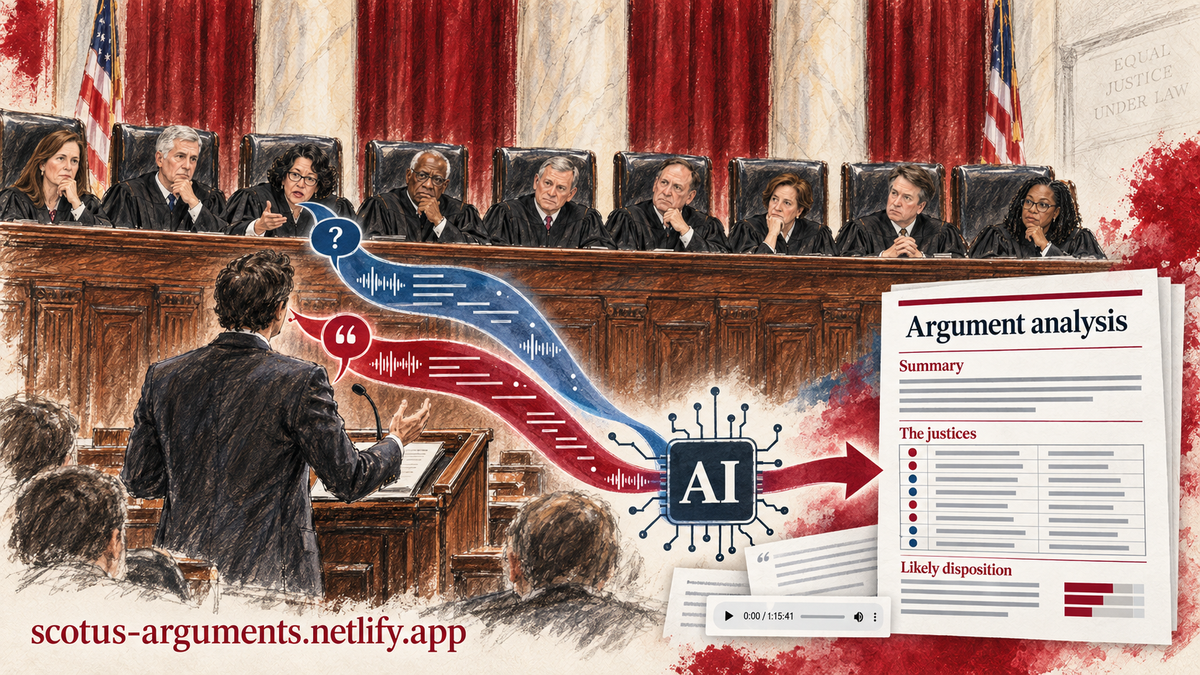
A new site, scotus-arguments.netlify.app, posts an AI-assisted analysis of every Supreme Court oral argument, with links to the transcript, the audio and, in time, the opinion. A scheduled task keeps it current without any help from me.
The Supreme Court posts a transcript of each oral argument on the day it is held. A transcript runs sixty to a hundred pages, and reading one with care takes an hour or more. The Court hears several dozen arguments a term. People who want to know how an argument went, and why, have mostly depended on a handful of talented reporters and on SCOTUSblog, which does remarkable work but cannot give every case a deep, structured treatment the same week. That's because most of us simply do not have the time to read the transcripts ourselves. The result is that a rich public resource goes largely unread.
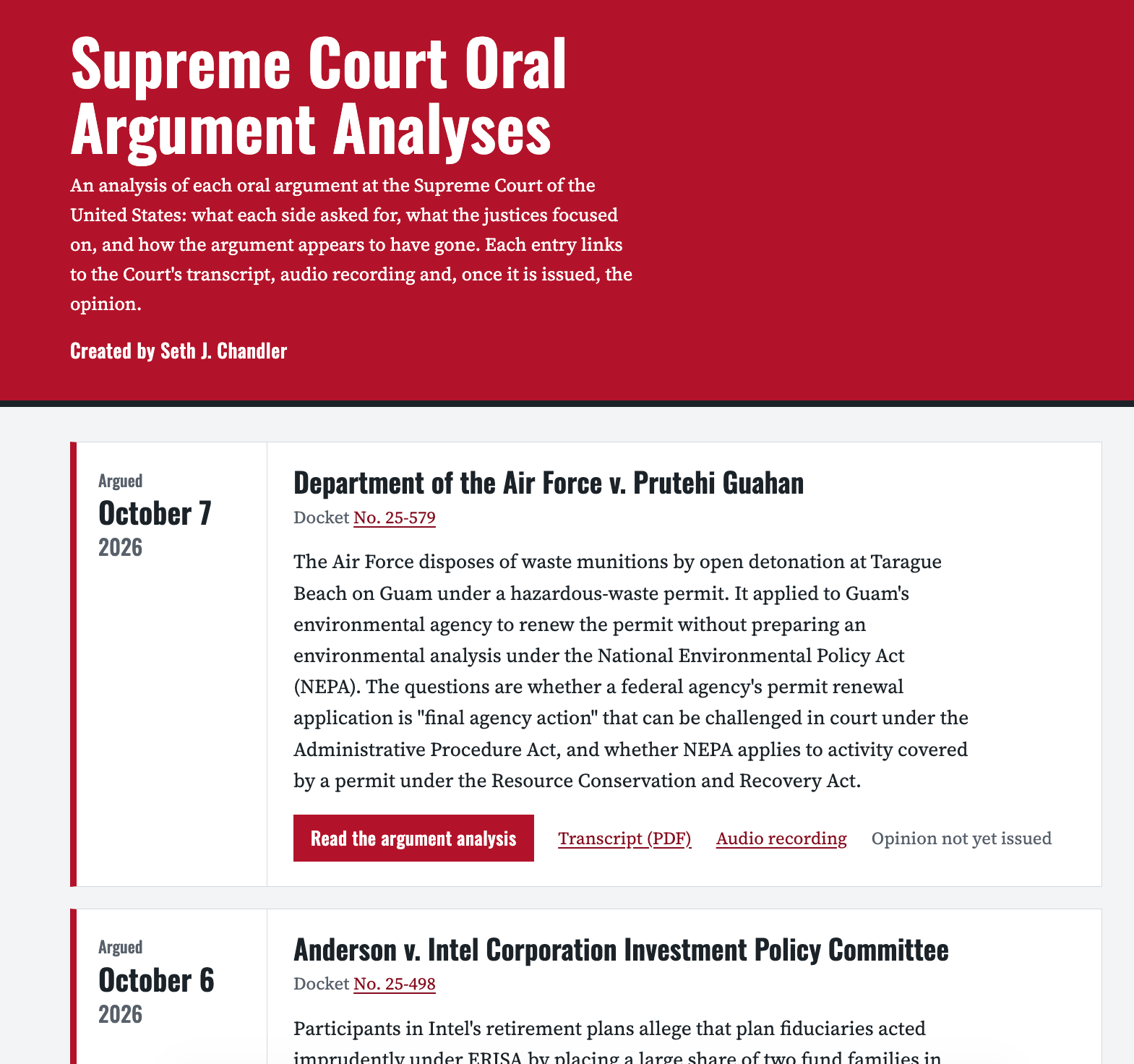
This week I launched scotus-arguments.netlify.app to address that gap. It already holds the four arguments from the first week of the October 2026 sitting: a climate-tort case from Colorado, a veterans' benefits case, an ERISA case about retirement plan investments, and a dispute over Air Force munitions disposal on Guam.
What is on the site
Every case gets a card. The card gives the case name, the docket number, the date of argument, a summary of under 100 words, and links to the Court's transcript and audio recording and to the SCOTUSblog case page. When the Court decides the case, a link to the opinion appears. The heart of each card is a link to a full analysis of the argument.
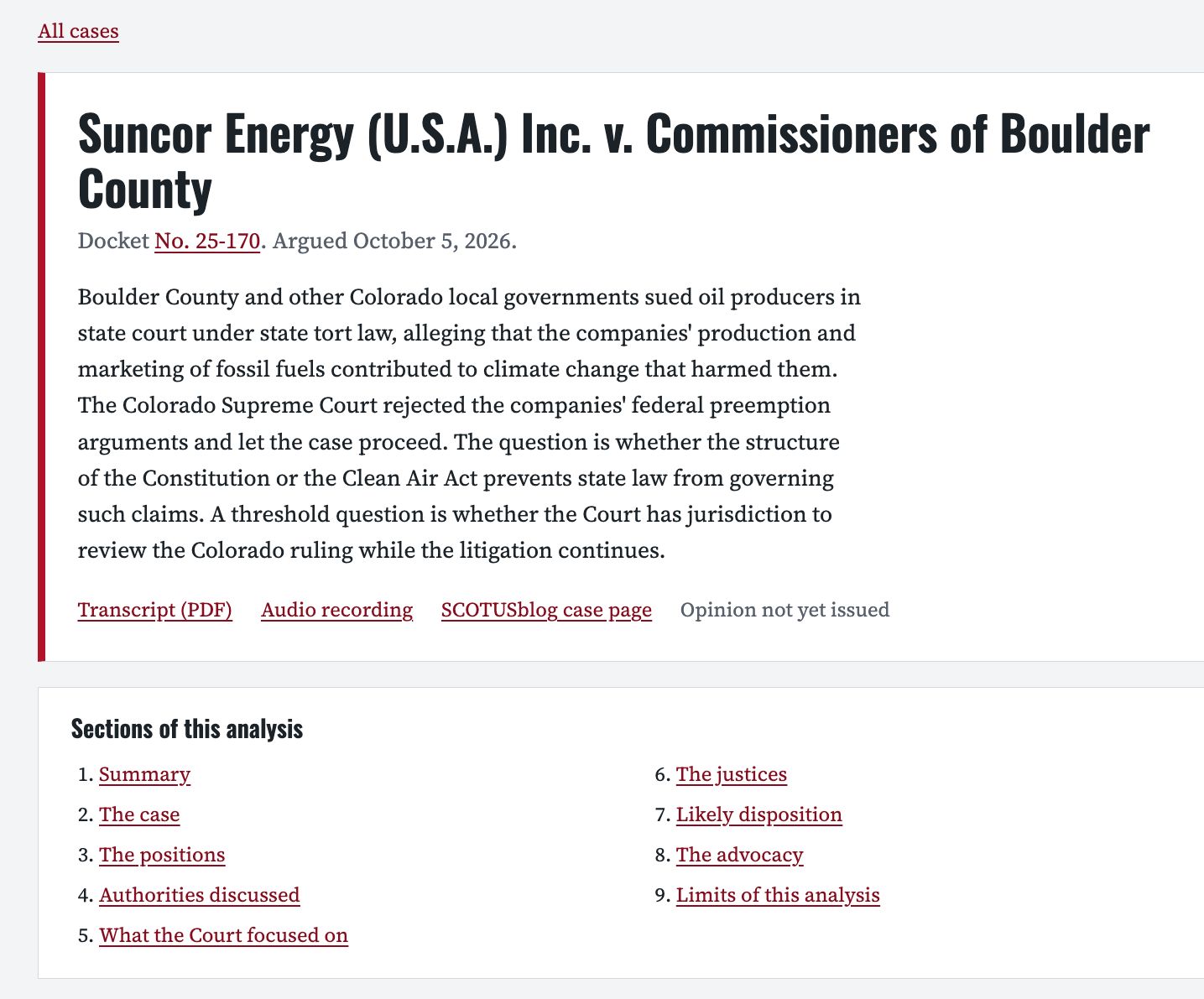
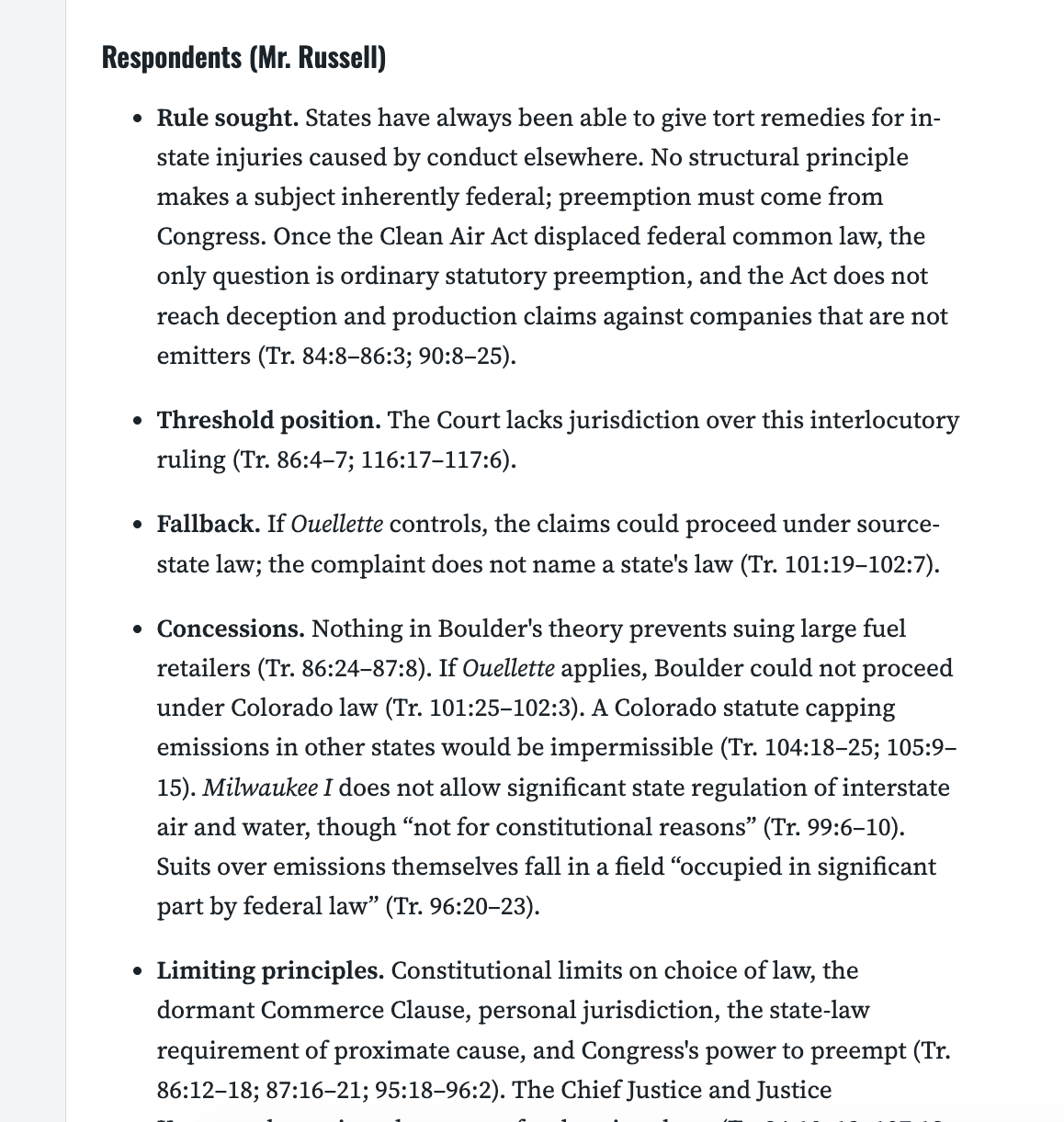
Each analysis should have the same nine sections: a summary, the case, the positions of each side, the authorities discussed, what the Court focused on, the justices, the likely disposition, the advocacy, and the limits of the analysis. The section on the justices is a table with one row per justice that gives the justice's main concerns, an apparent lean, and how strong the evidence for that lean is. Every statement about what someone said is cited to the transcript by page and line. In Anderson v. Intel, for example, the analysis reports that Justice Gorsuch read the question presented back to petitioners' counsel and asked, "are you shifting ground on us here?" The citation is Tr. 29:10-11, and the transcript is one click away.
Here's are two screen captures of excerpts from the AI analysis of Suncor Energy (U.S.A) Inc. v. Commissioners of Boulder County. The entire analysis is attached below.
How it is produced
The analysis comes from a skill I wrote called scotus-argument-analyzer. It was more fully described here and is available for free at lawve.ai. This skill, among other things, tells the model to read the whole transcript, to count each justice's questions with a short program, to check every case name and citation against CourtListener, to quote exactly, and to write "unclear" when a justice said too little to support a lean. There is, by the way, a cool complementary skill from Stephanie Bogossian that prepares advocates for Supreme Court argument in the way that legendary advocate Neal Katyal did for the tariffs case.
The website is updated automatically each day by a scheduled task running inside my Claude account. It reads the Court's list of transcripts, compares that list with the site, and runs the skill on anything new. It then writes the summary, finds the SCOTUSblog page, and posts the card through a password-protected interface. It also checks whether the Court has decided any posted case and adds the opinion link. I built the entire site, including the task, in a single morning of conversation with Claude. (It took almost as long to generate the "hero image" for this post).
Built for different readers
The site is designed to serve a diverse range of human audiences. It works on a phone. It meets the WCAG 2.2 AA accessibility standard in automated testing. A reader using a screen reader gets a correct heading outline, a list of sections at the top of each analysis, tables whose column headers are announced, and links that say which case they belong to. Keyboard users get a skip link and visible focus indicators.
The site is also built for readers that are not human at all. AI agents increasingly do the reading for people. I want to facilitate that alternative partly for its own sake and as inspiration for others to do likewise. The site therefore offers its contents as structured data, describes itself in a plain-text file written for language models, and registers two tools through WebMCP, a draft browser standard that lets a page tell an agent what it can do. One tool lists the cases. The other returns the full analysis of a case. An agent in a browser that supports WebMCP can call those tools directly instead of clicking through pages built for human eyes.
The site will grow
The site has four cases today because we are early in the Supreme Court term. By the end of the term it should have every argued case, and each card will gain an opinion link as decisions come down. At that point the site becomes something more interesting than a set of summaries: a record of what the argument suggested set against what the Court did. Readers will be able to judge how well a careful reading of oral argument predicts outcomes, and how well the model reads. I may also add short narrated 3Blue1Brown-style videos like this for each case if I have the storage space (and tokens).
Nothing here is special to the Supreme Court
I should add that the Supreme Court was simply a convenient place to start. The ingredients are a public record of the argument, a skill, and a schedule. Every federal court of appeals posts audio of its arguments, and many state supreme courts post video. Transcription is now cheap. There could be a site like this for each circuit and for each state supreme court. A law school could run one for its home circuit. A state bar could run one for its high court.
Until recently none of this was possible without a staff. Reading and writing up every argument in a busy appellate court was a full-time job for several people, which is why almost nobody did it. Now the marginal cost of one more argument is a few minutes of machine time. AI makes possible what could not be done before, and legal education should be among the first to use it. A student can read the analysis beside the transcript, listen to the audio, and decide whether the model got the argument right. The advocacy section, which identifies the answers that helped and hurt each lawyer, is a ready-made teaching tool for moot court.